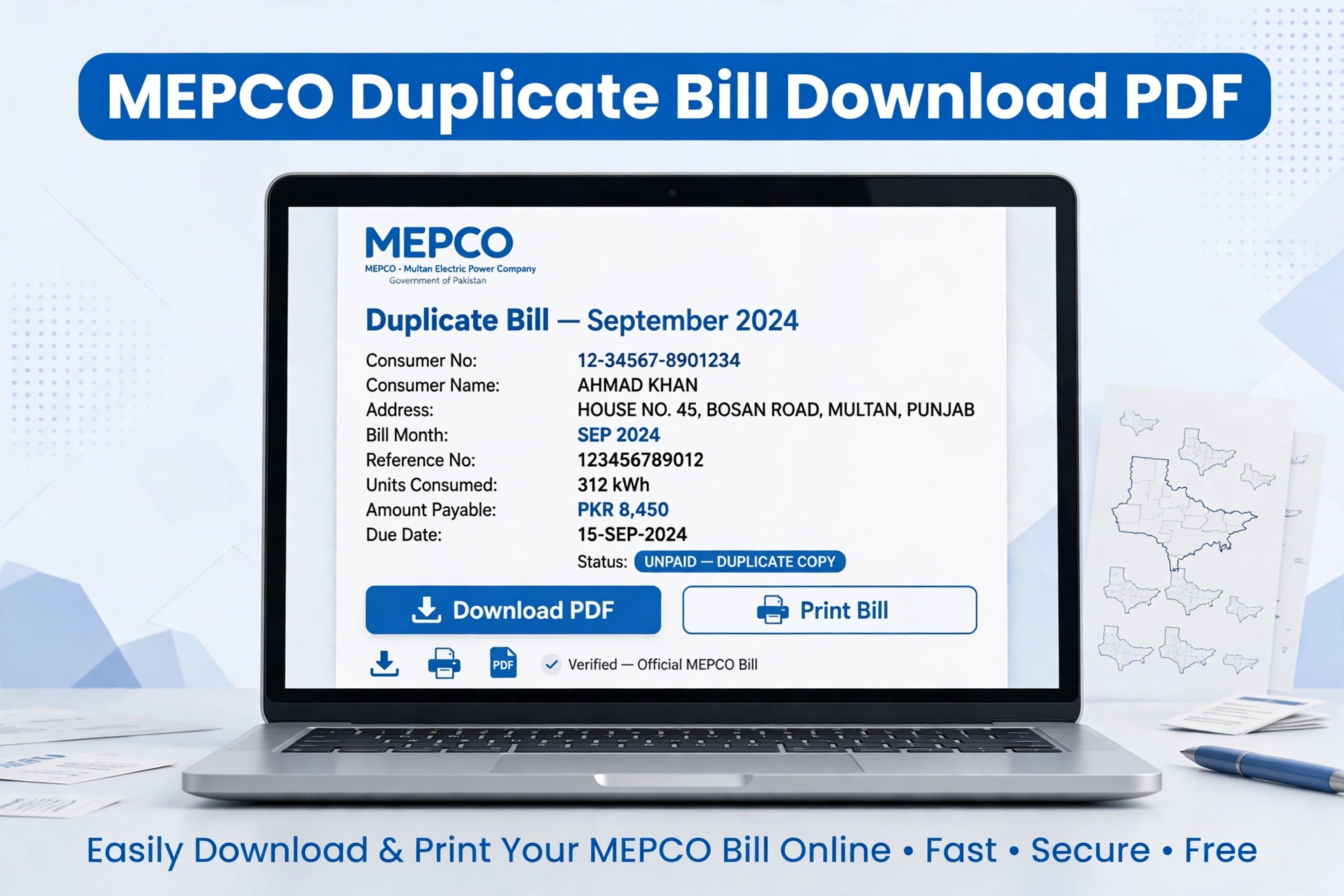
Download MEPCO duplicate bill online in 1 click. Enter your 14-digit reference number to view, print, and save your MEPCO bill PDF duplicate copy free.
MEPCO Duplicate Bill Online Download – Print PDF Copy
If you have not received your MEPCO bill or you lost your original copy, you can download MEPCO duplicate bill online for free. The duplicate bill is 100% valid for bank payment, Easypaisa, and JazzCash.
You just need your 14-digit reference number which is printed on any old bill.
How to Download MEPCO Duplicate Bill?
Step 1: Go to our homepage checkmepcobill.com and enter your 14-digit reference number.
Step 2: Click on Check Bill. Your current bill will open from the official PITC server.
Step 3: Press Ctrl + P on laptop or click Print on mobile. Select Save as PDF to download duplicate bill.
What is in Your MEPCO Duplicate Bill?
- Total payable amount before and after due date
- Due date and bill issue date
- Units consumed this month
- Meter reading date
- 12 months payment history
- Taxes and FPA charges
- Protected / Unprotected status
Is Duplicate Bill Valid for Payment?
Yes. MEPCO duplicate bill printed from online is accepted at all banks, NADRA e-Sahulat, Easypaisa, JazzCash, and Pakistan Post. You don’t need the original paper bill. Banks scan the barcode on your duplicate bill, so print it clearly.
Difference Between Original and Duplicate Bill
There is no difference. Both have same data from PITC database. The only difference is that the original comes by post and duplicate you print yourself.
What If Reference Number is Not Working?
1. Enter 14 digits without spaces
2. Don’t mix Reference Number with Consumer ID
3. Select R for Rural and U for Urban correctly
4. If still error, your bill may not be generated yet. Try after 1st of month.
SMS Method: Type PITC [space] 14-digit Number and send to 8334